Integrating AI to track job applications faster
Overview
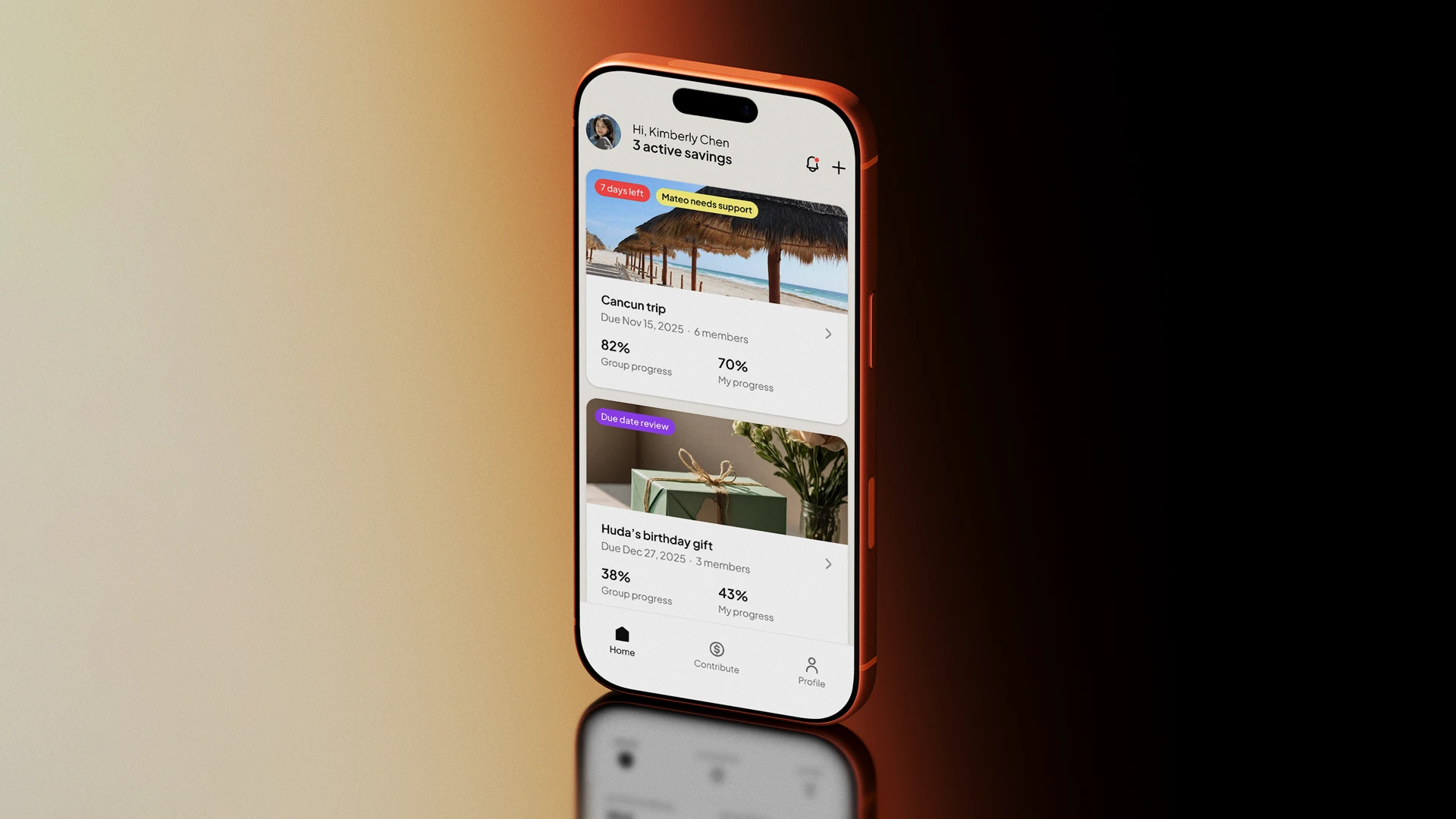
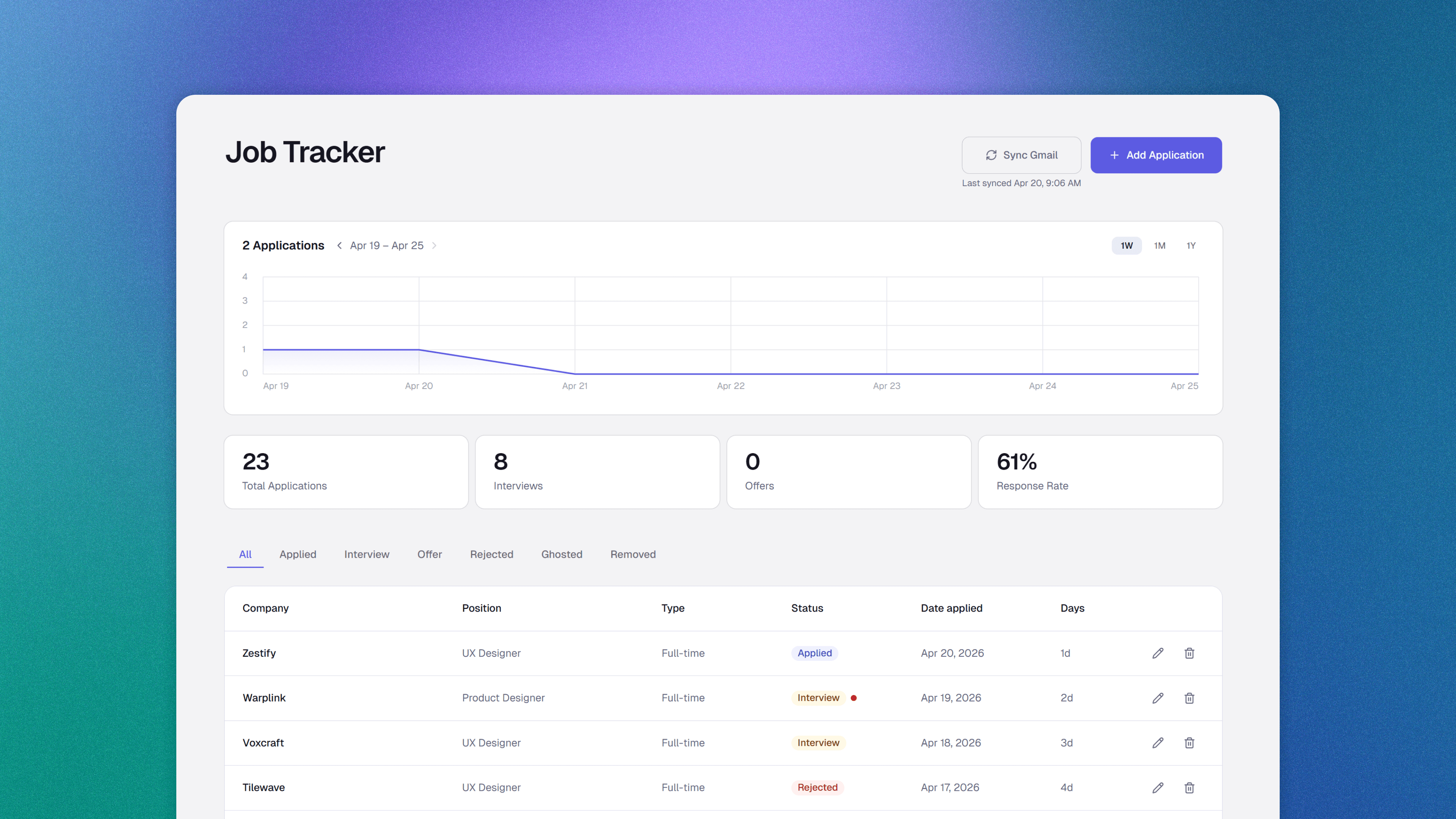
Job Tracker is a responsive web app built to remove the manual work from tracking job applications. AI reads through job descriptions to automatically fill in application details, and syncs recruiter emails to keep statuses up to date.
I designed and built the web application in React, leveraging AI throughout the process.
Timeline
5 Days
Platform
Web app
My role
Product Designer
(Side project)
Problem
Every application meant the same repetitive steps
During an active job search, I used Notion to track every application. It worked, but the process required the same manual steps every single time.
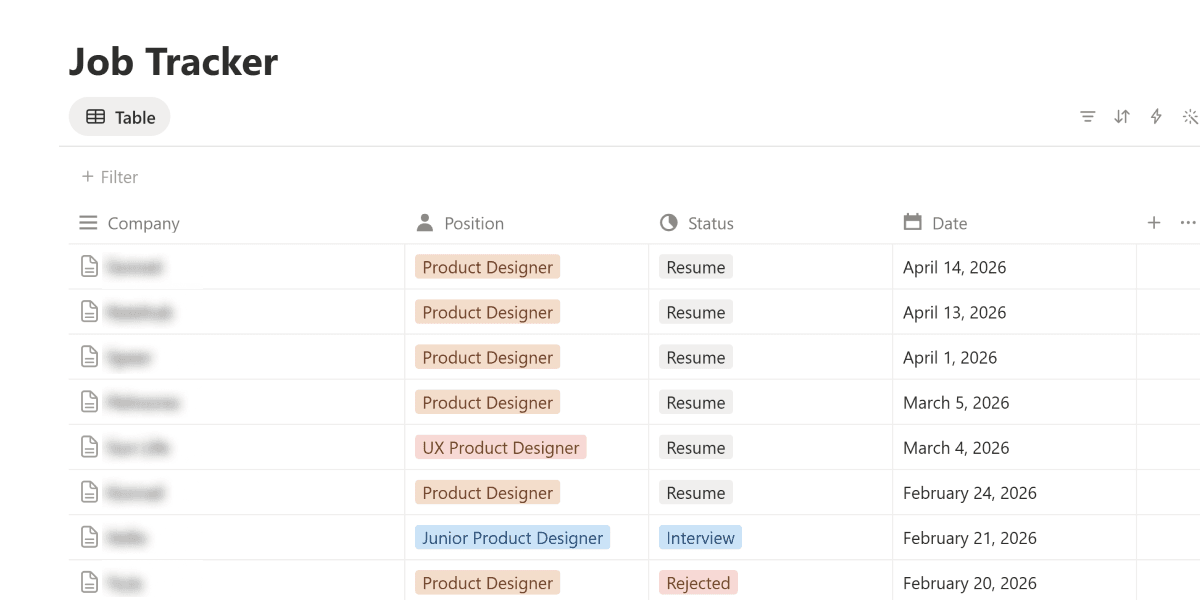
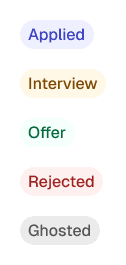
Every time I applied for a job, I had to open Notion and fill in the company name, position, type, and date applied. And every recruiter email meant going back and updating the status manually.
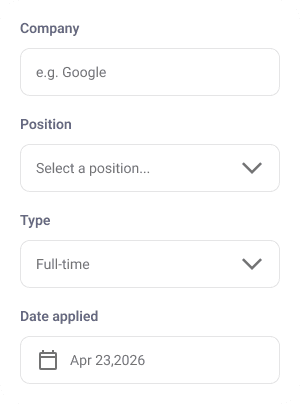
The goal was to make tracking faster and less repetitive
Solutions
Logging job applications faster with AI
AI reads through a job description and extracts the relevant details, so adding a new application takes seconds. This directly addressed the most repetitive part of the tracking process.
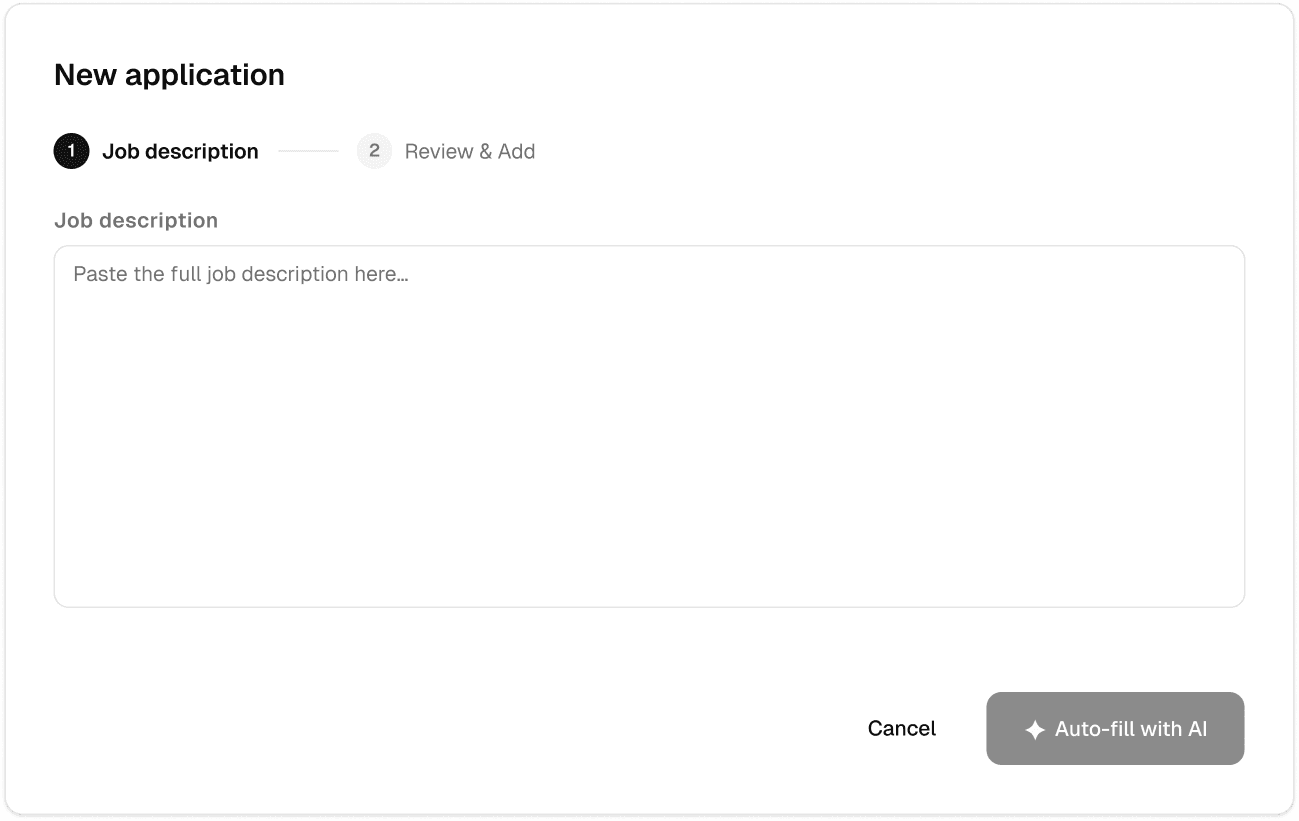
Exploration — Splitting the process into steps
The two-step flow gave the process a clear structure, guiding users through each stage one at a time.
However, keeping the job description and the form on separate screens made it difficult to refer back to the details while filling in the fields.
Selected - Handling everything in one screen
Moving to a single screen kept the job description and key details in view at the same time. I added an 'Analyzing' animation to show when the job description is being extracted and signal when the fields are ready to review.
Sync your inbox, AI handles the status
Syncing the inbox lets AI read recruiter emails and reflect the latest status on each application, without going back to update it manually.
Outcome
Accelerated job tracking process
Over one month of personal use with approximately 50 applications, tracking each job application with AI took approximately 5 seconds, compared to 20 seconds manually, making it 4x faster. Automatic status updates further eliminated the need for manual tracking entirely.
Takeaway
A design system makes building with AI consistent
Most of my time didn't go into building features. It went into fixing inconsistencies. Buttons that looked slightly off, spacing that didn't quite match, components that drifted as the app grew.
AI makes it easy to build quickly, but quick doesn't mean consistent. Bringing in a design system changed that. I stopped spending time on visual fixes and could focus on actual decisions instead.